Every layer, under control
Arrange images, group elements and work with masks. Keep each part of your composition editable.
Image editing, with AI built in
Generate a starting point. Change what you need. Finish it with
layers, masks and precise colour controls.
No download. No account needed to start.
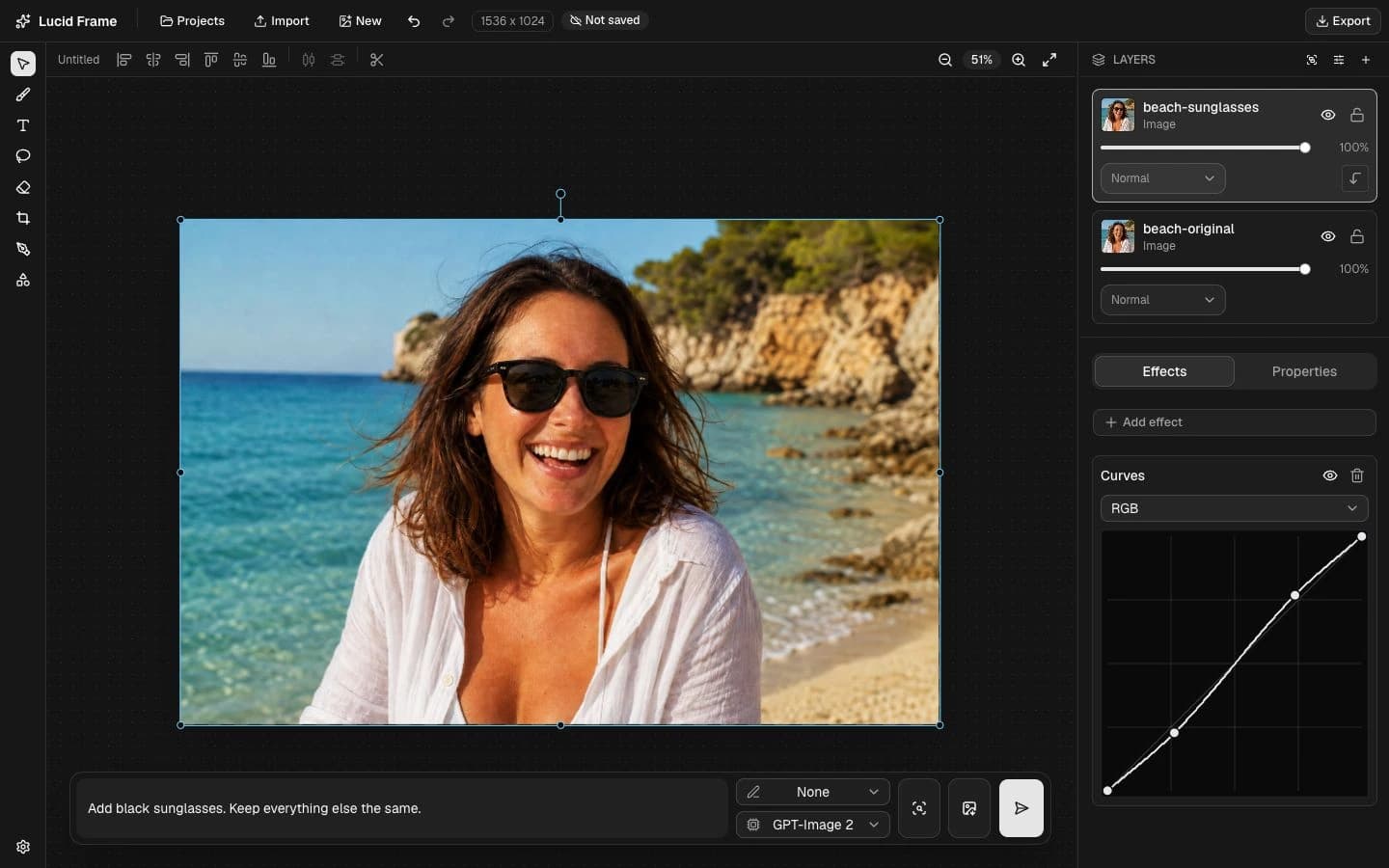
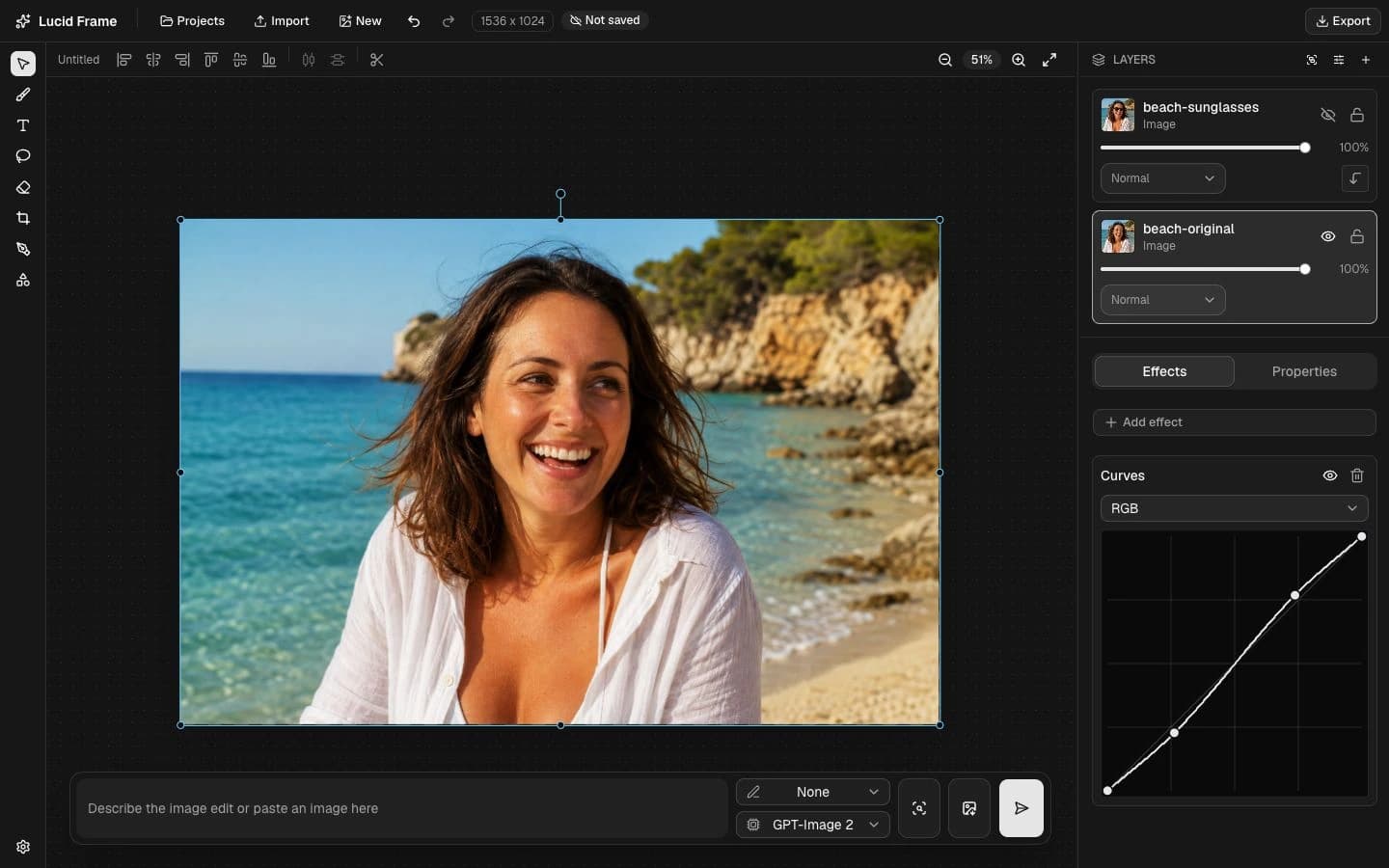
“Add black sunglasses. Keep everything else the same.”
View full size01 / AI, in the workflow
Turn a plain product photo into a campaign image. Change the setting and shape the light, while keeping the product at the centre of the shot.
Explore AI tools

“Put it in a sunlit terracotta set. Keep the shoe unchanged.”
Illustrative AI edit. Move across the image to compare.Use a mask to guide a retouch or replacement.
Expand the image beyond its original edges.
Restyle an image or generate something new.
02 / The workspace
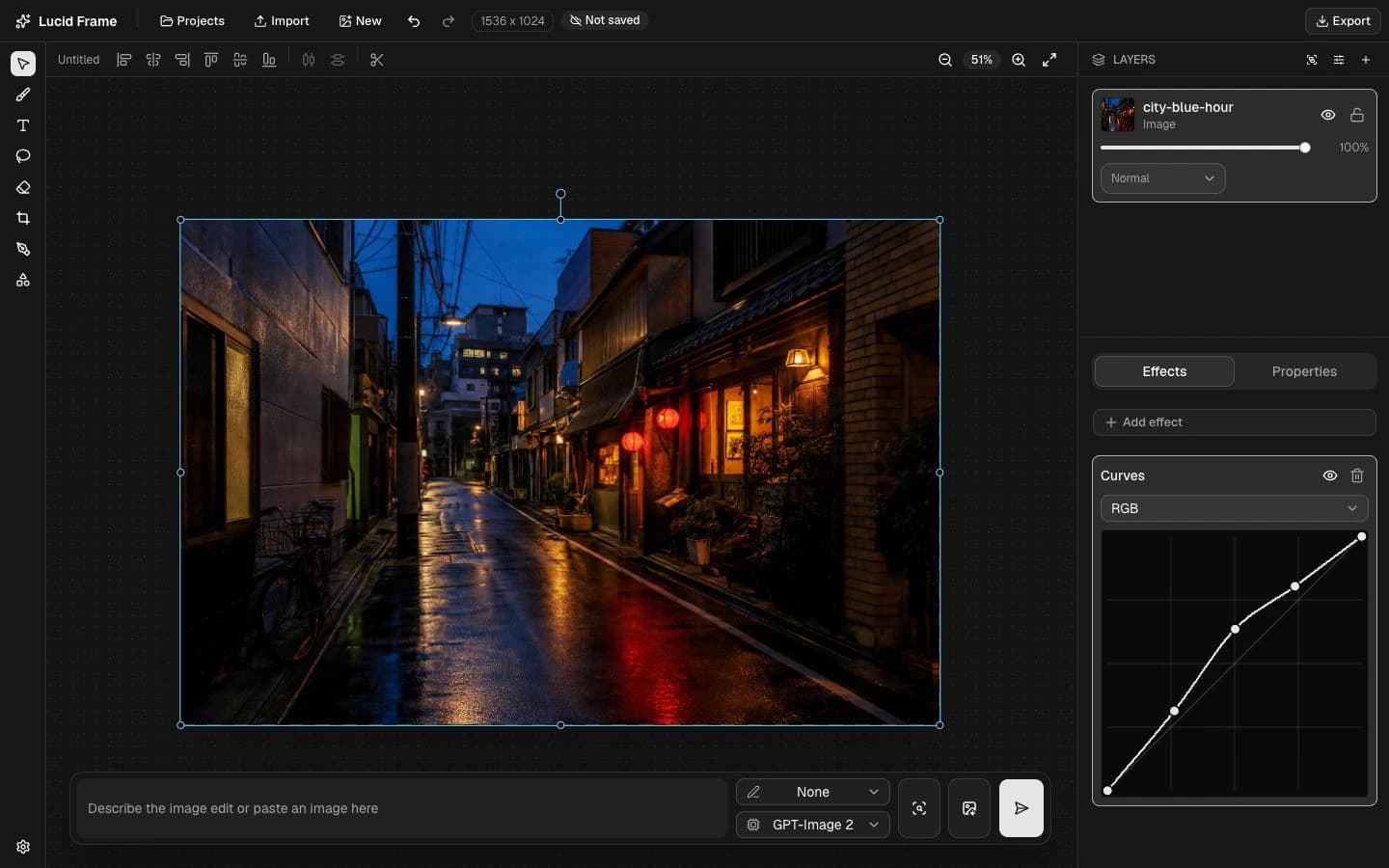
Quick adjustments and layered compositions belong in the same place. Keep creating without switching tools.
Arrange images, group elements and work with masks. Keep each part of your composition editable.
Shape the light with curves and levels. Fine-tune contrast, saturation and effects on each layer.
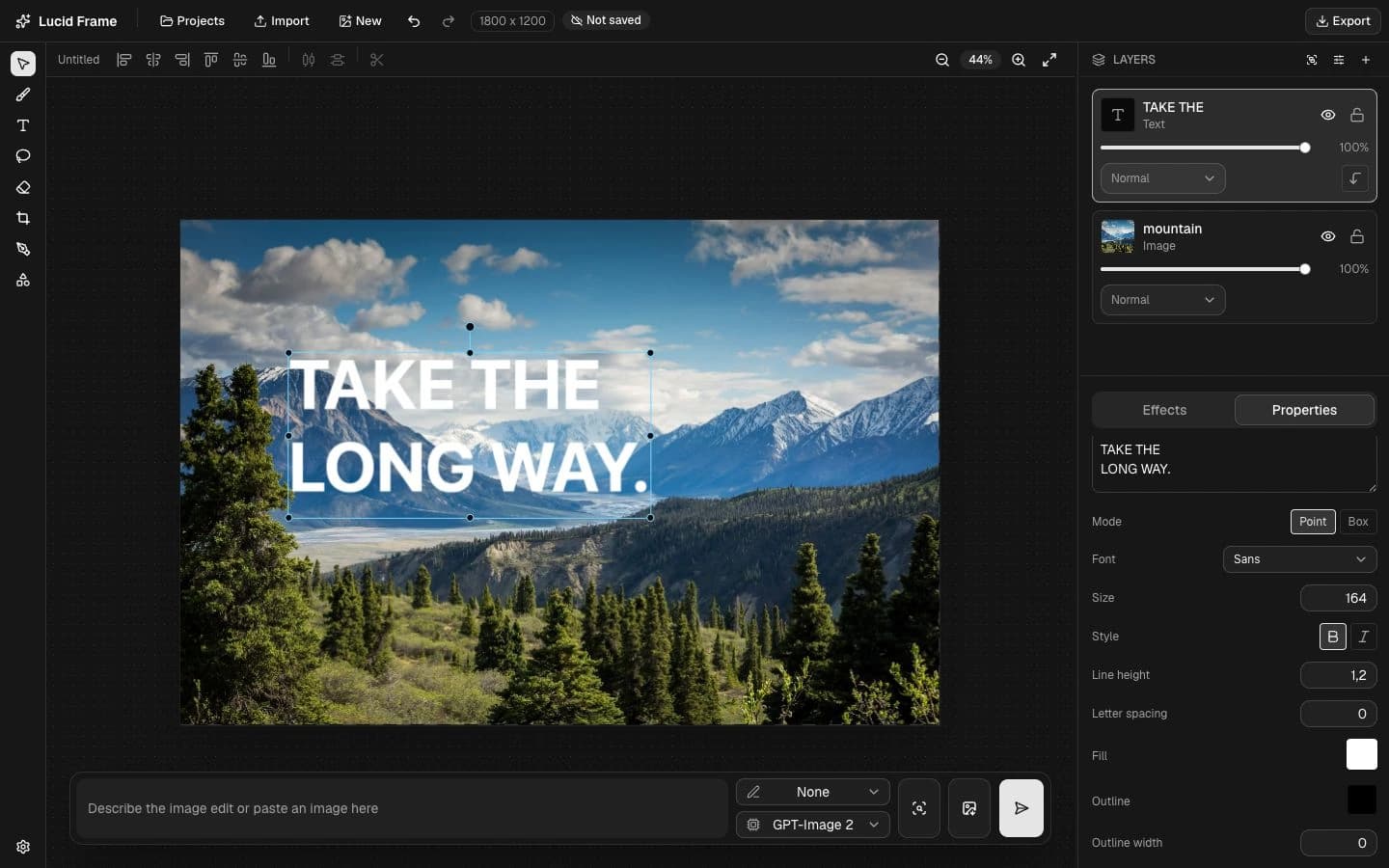
Add text with precise type controls. Draw vector shapes, refine a crop and bring the whole layout together.
03 / Layers & typography
Give it a headline. Find the right type. Move every element into place, with your photo and text on separate, editable layers.
04 / Pricing
The editing toolkit is free. Choose a monthly AI allowance or buy credits as you go. All prices are in USD, excluding applicable tax.
Layers, masks, text, shapes, colour adjustments and PNG/JPEG export. No account needed to start editing.
For occasional AI edits.
$5/ month
For regular creative work.
$19/ month
For larger creative workloads.
$39/ month
Subscriptions renew automatically each month until cancelled. Monthly credits reset on renewal and do not roll over. Cancelling keeps your paid access until the end of the billing period.
1,000 credits
1,500 credits
3,900 credits
Purchased credits do not expire. Credit cost varies by AI model and settings; the editor shows the cost before generation.
Open the editor and sign in to choose a plan or pack. Applicable VAT or sales tax is added at checkout.
Your next image starts here
Right in your browser. Ready when you are.